9 connected product areas

AI-Powered
Restaurant Growth.
Lower Costs.
Faster Service.
Higher Revenue.

PayMyDine helps restaurants automate reservations, ordering, kitchen, payments and team workflows, optimize every table and guest journey, and connect CRM and analytics in one live operating picture. AI-powered insights surface what needs attention, helping reduce manual work and wait times, speed service, improve table turnover and guest experience, and support revenue growth.

9 connected product areas6 AI-assisted actions6 role workspacesSource-linked AI review
PayMyDine platform and guest experience
9 connected product areas

Nine connected areas create one operating picture β€” and give PayMyDine AI the context to explain what changed.

Each area solves a real restaurant workflow on its own. Connected together, reservations, tables, orders, kitchen, payments, guests, teams, analytics and integrations create the context AI can use to compare periods, flag unusual movement, support forecasts and point management toward what deserves attention next.

PayMyDine AI

Use 6 AI-assisted actions: ask questions, receive a daily briefing, flag unusual movement, compare periods, support forecasts and identify the next metric to investigate.

See the workflow

Restaurant Operations

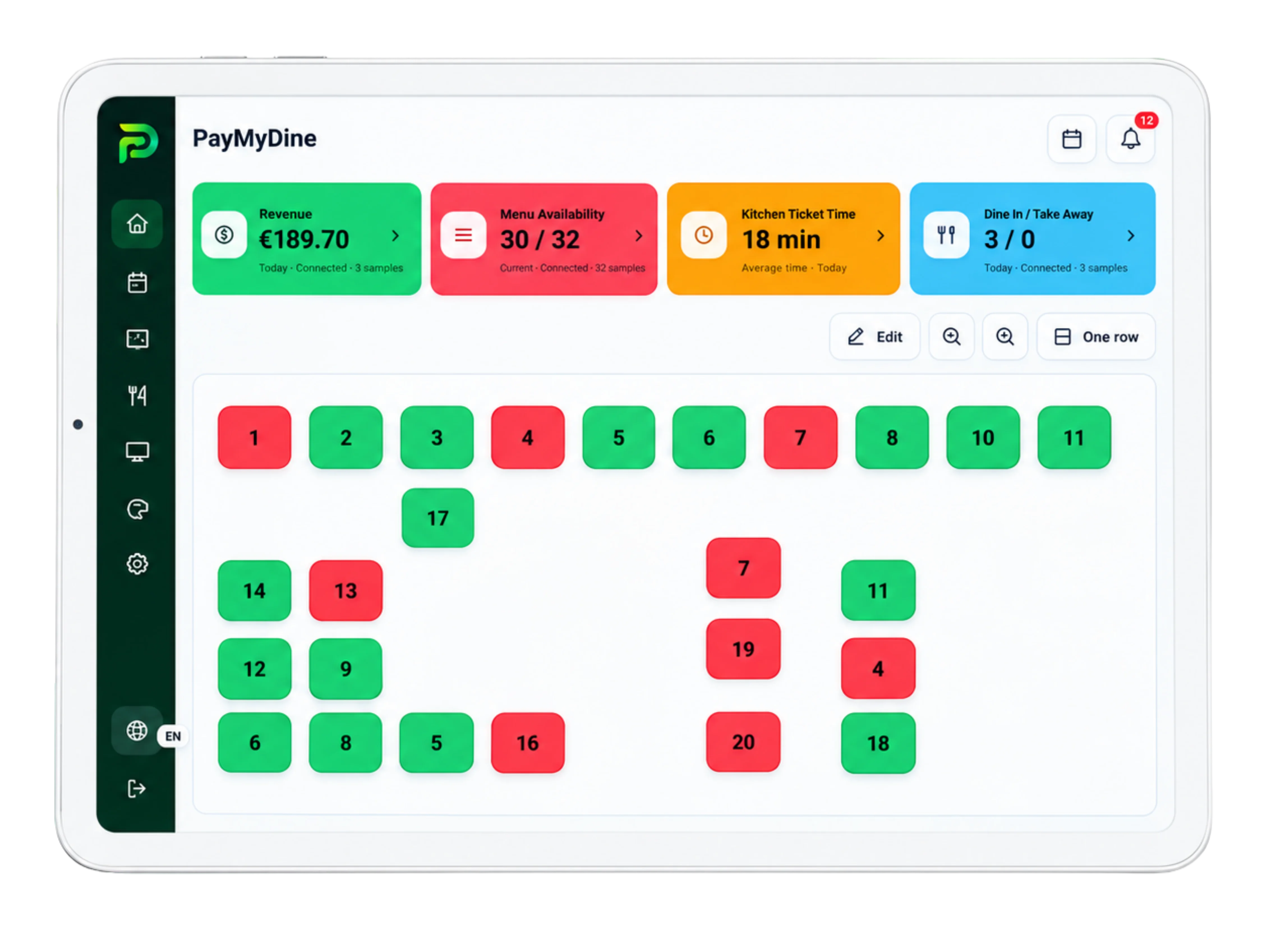
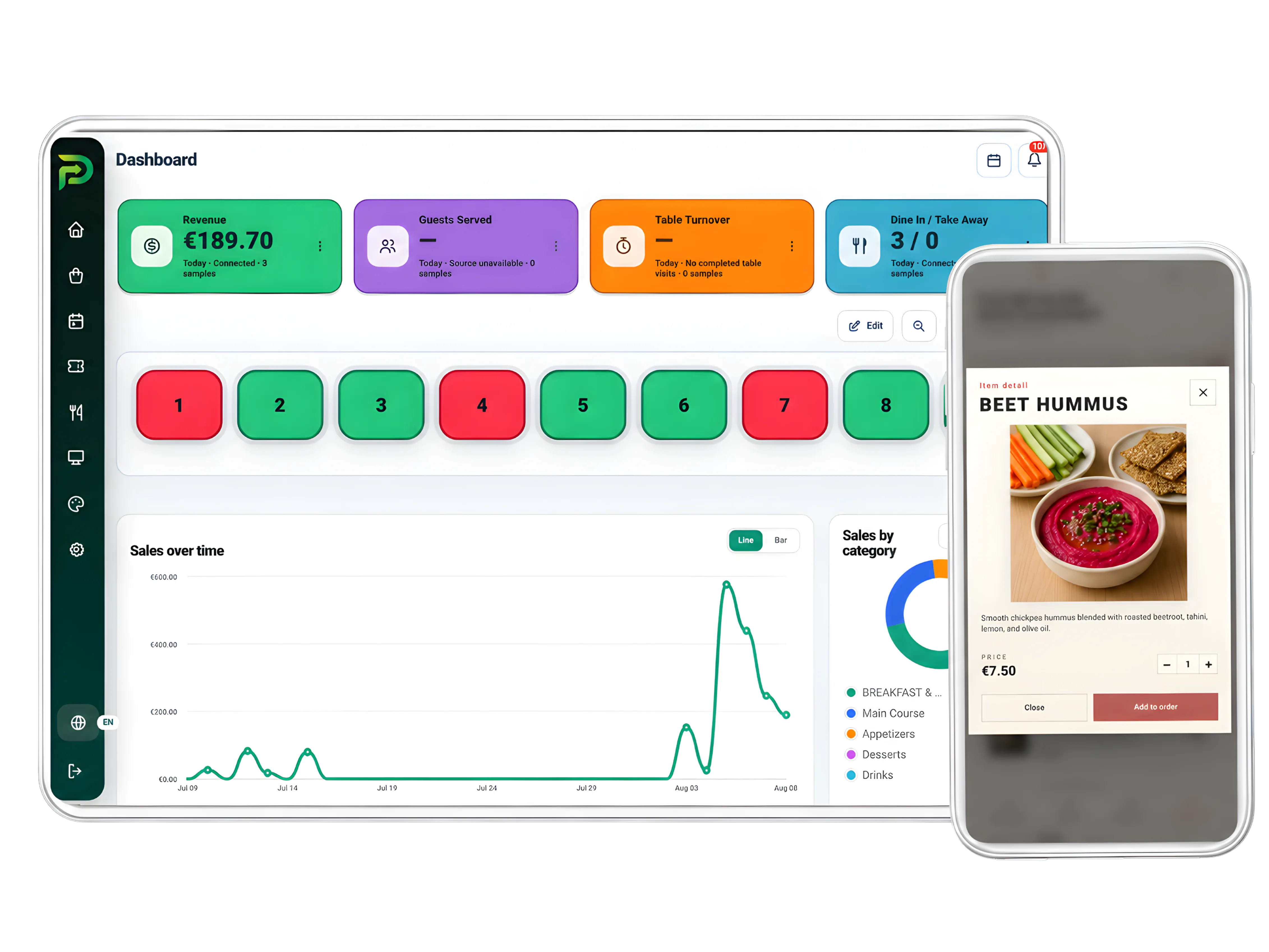
Monitor 6 live views: dashboard, open orders, table status, floor maps, dine-in or takeaway and current restaurant activity.

See the workflow

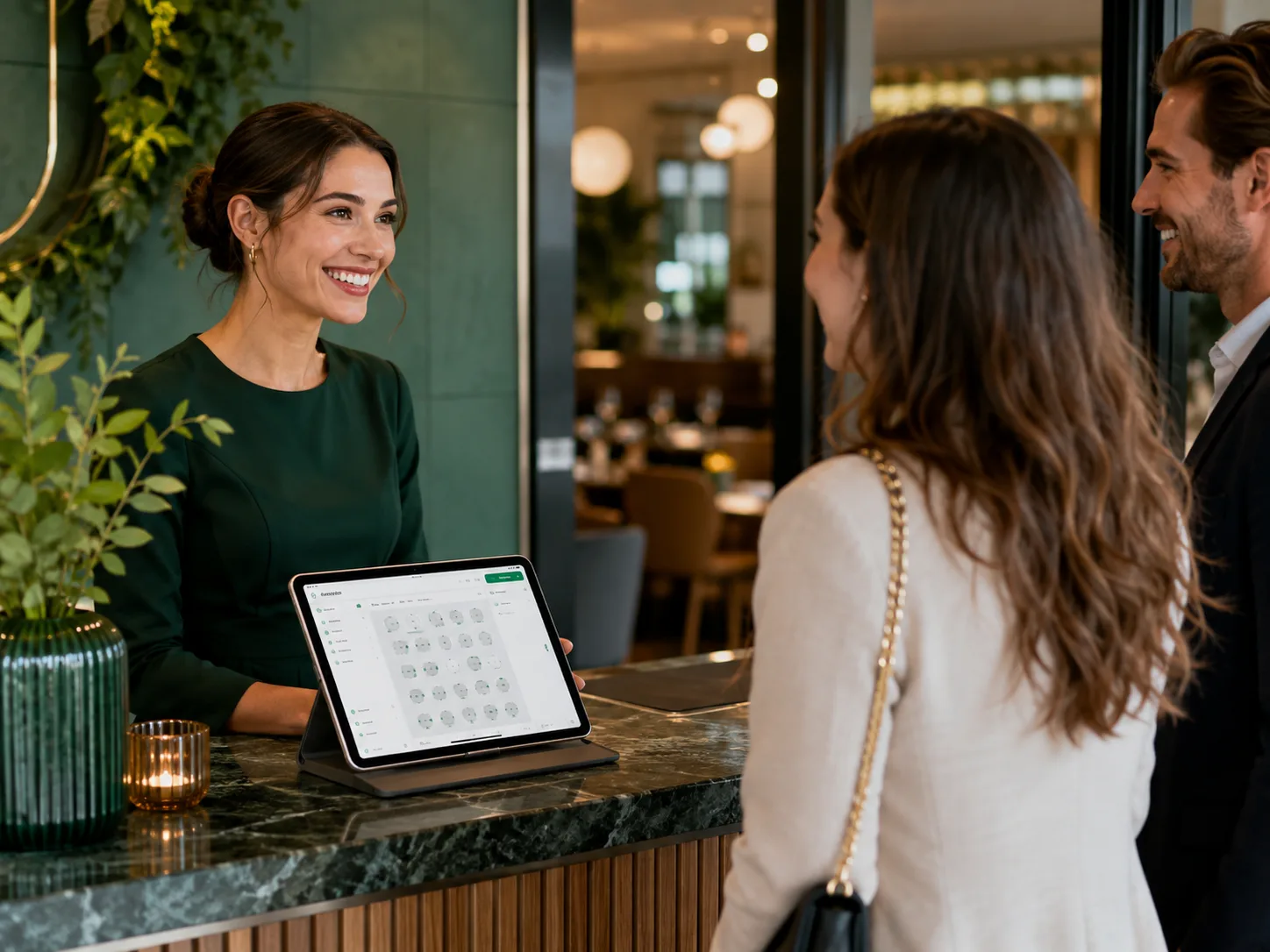
Reservations & Table Management

Plan 7 reservation and seating tasks: calendar, timeline, availability, walk-ins, table assignment, guest flow and multiple floors.

See the workflow

Ordering, Kitchen & Menu

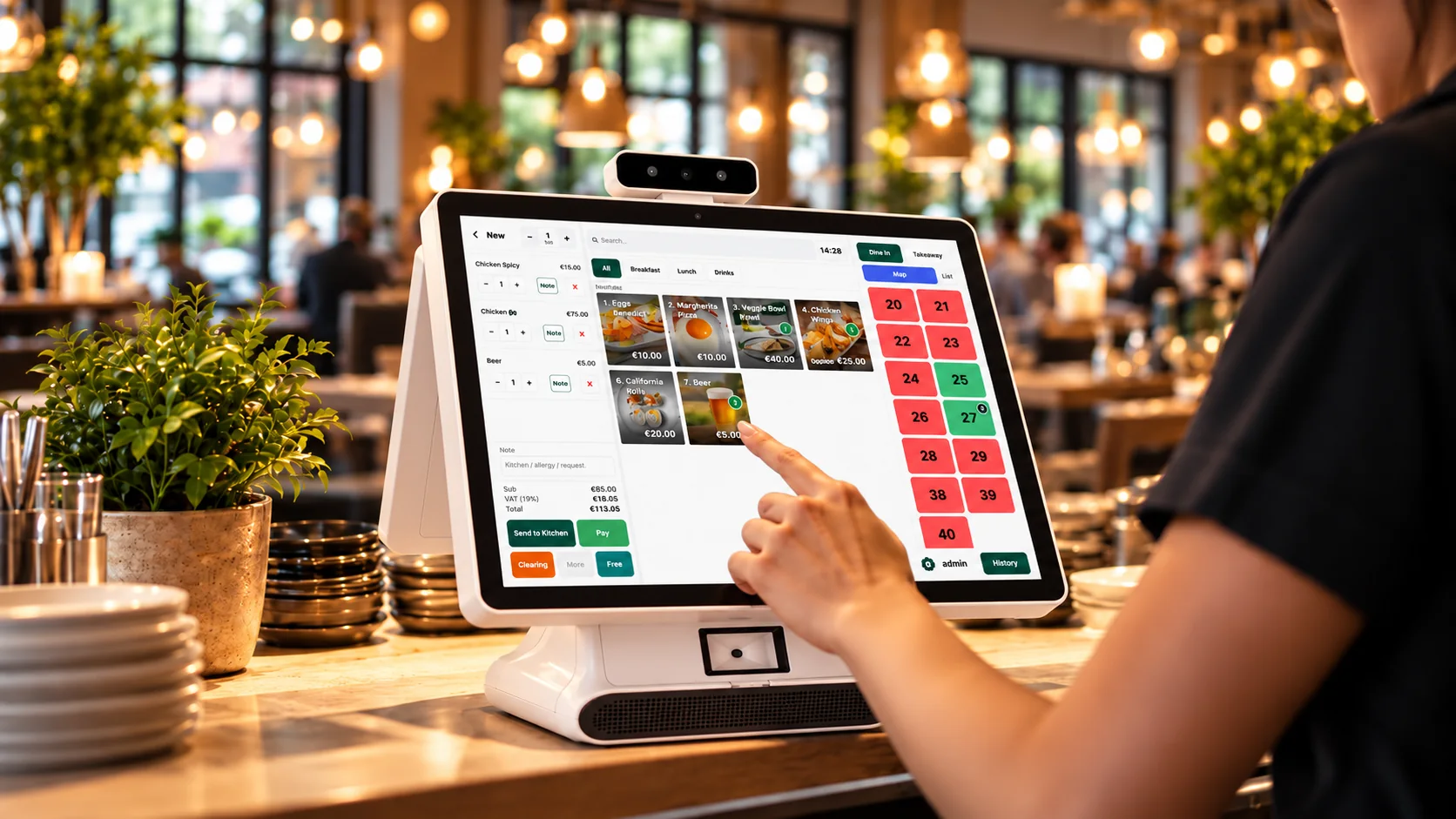
Move orders through 7 controls: waiter entry, KDS, preparation status, ready status, menu management, modifiers and sold-out items.

See the workflow

Payments & Guest Ordering

Cover 8 guest-ordering and payment moments, including table QR, mobile menu, pay-at-table and 3 split methods: equally, by item or by shares.

See the workflow

Analytics, Forecasting & Profitability

Track 9 decision metrics: revenue, guests, average check, table turnover, sales by time, best sellers, payment mix, forecasting and profitability.

See the workflow

Team Management

Coordinate 5 people controls: role workspaces, permissions, shifts, performance context and staff activity.

See the workflow

Guest CRM, Marketing & Growth

Use 6 growth tools: profiles, loyalty, offers, campaigns, feedback and retention, with visit context available for relevant follow-up.

See the workflow

Integrations, Multi-location & Inventory

Connect 4 system types - POS, accounting, delivery and payments - then add central reporting, shared menus, inventory, food-cost and purchasing context.

See the workflow
6 role workspaces + shared AI context

Give each role the work it owns β€” and give AI the shared context to help explain what is happening across the restaurant.

Owners, managers, service staff, kitchen, reservations and finance use focused views while table, order, guest, timing and payment context stays connected. Management can then use PayMyDine AI to move from a signal to the source data behind it.

FOR OWNERS + AI

Review the business signals, then ask AI what changed and where to investigate.

Start with revenue, guests, tables, reservations, kitchen status and top-selling items. Then compare periods, surface unusual movement and open the source view behind the answer.

Explore PayMyDine AI
Restaurant owner using PayMyDine
GUEST GROWTH

Turn visits, orders and feedback into a more useful guest picture.

Profiles, loyalty, offers, campaigns, feedback and retention signals can remain connected to the visit history that created them, giving management better context for future decisions.

See the guest growth workflow
Guest QR ordering experience
PayMyDine AI across the platform

Ask the restaurant, not another isolated dashboard.

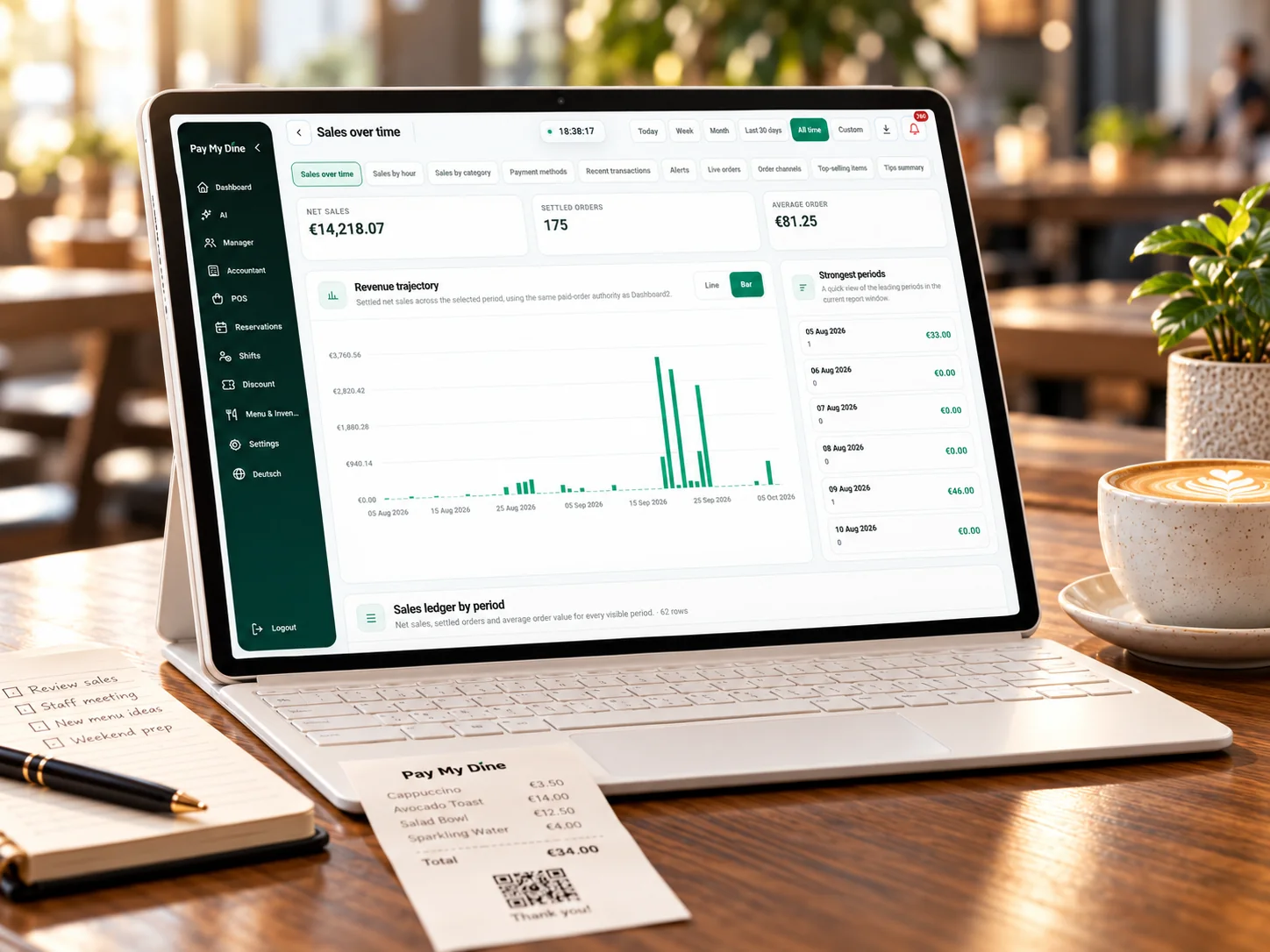
PayMyDine AI works from the operating picture already available in the platform. Ask about revenue, guests, average check, table turnover, sales timing, best sellers, payment mix, forecasts or profitability, then trace the answer back to the source data.

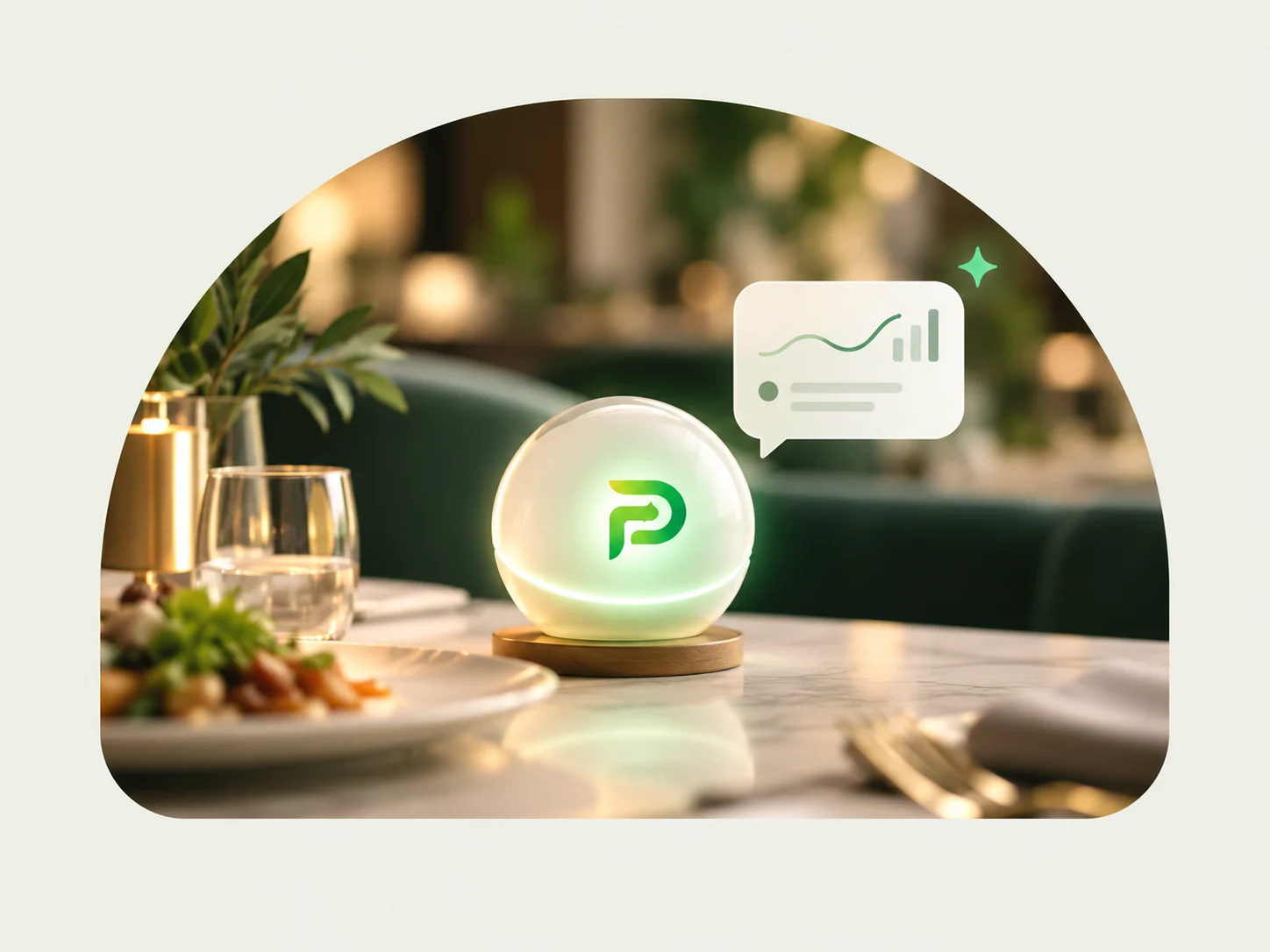
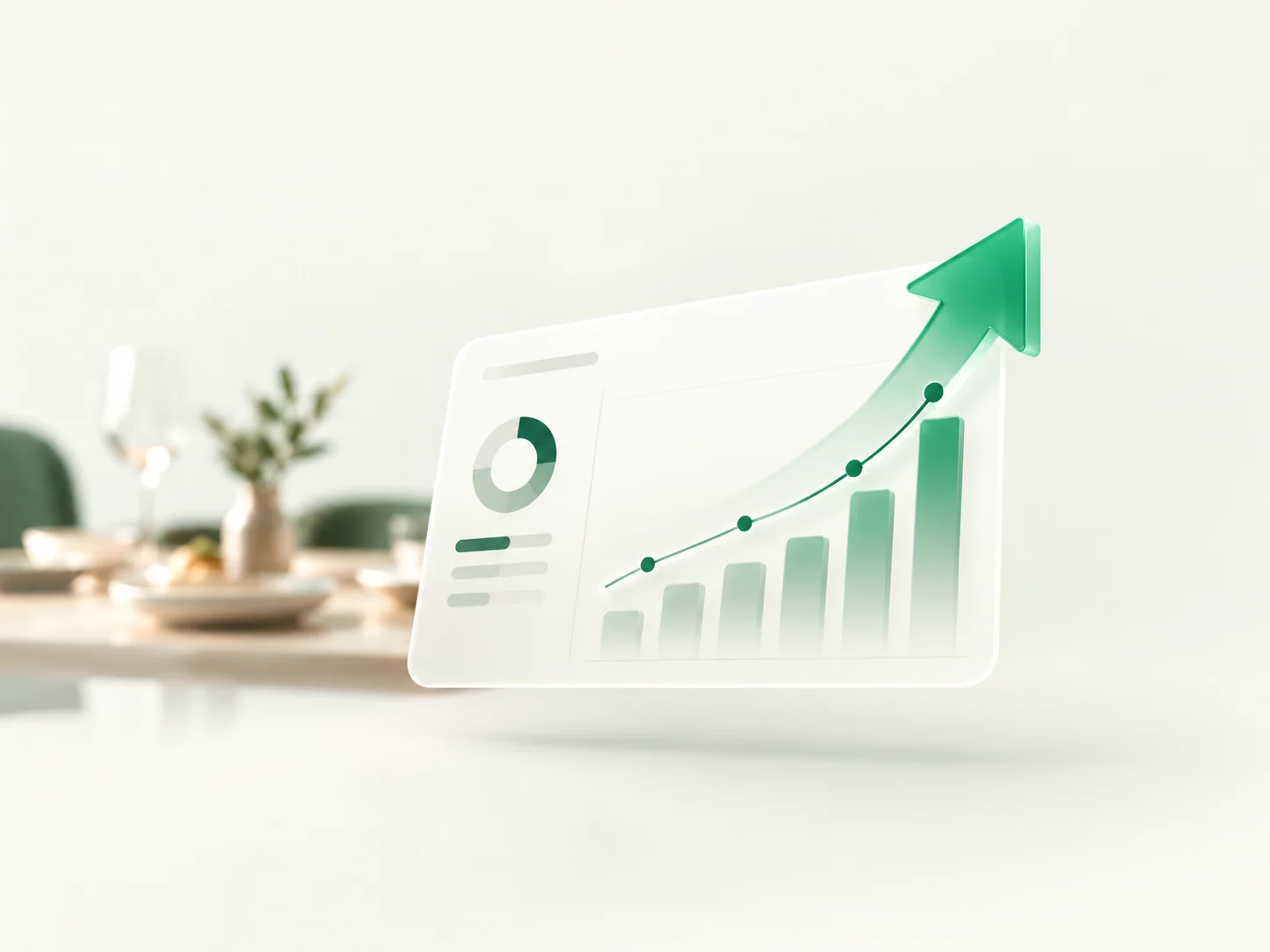
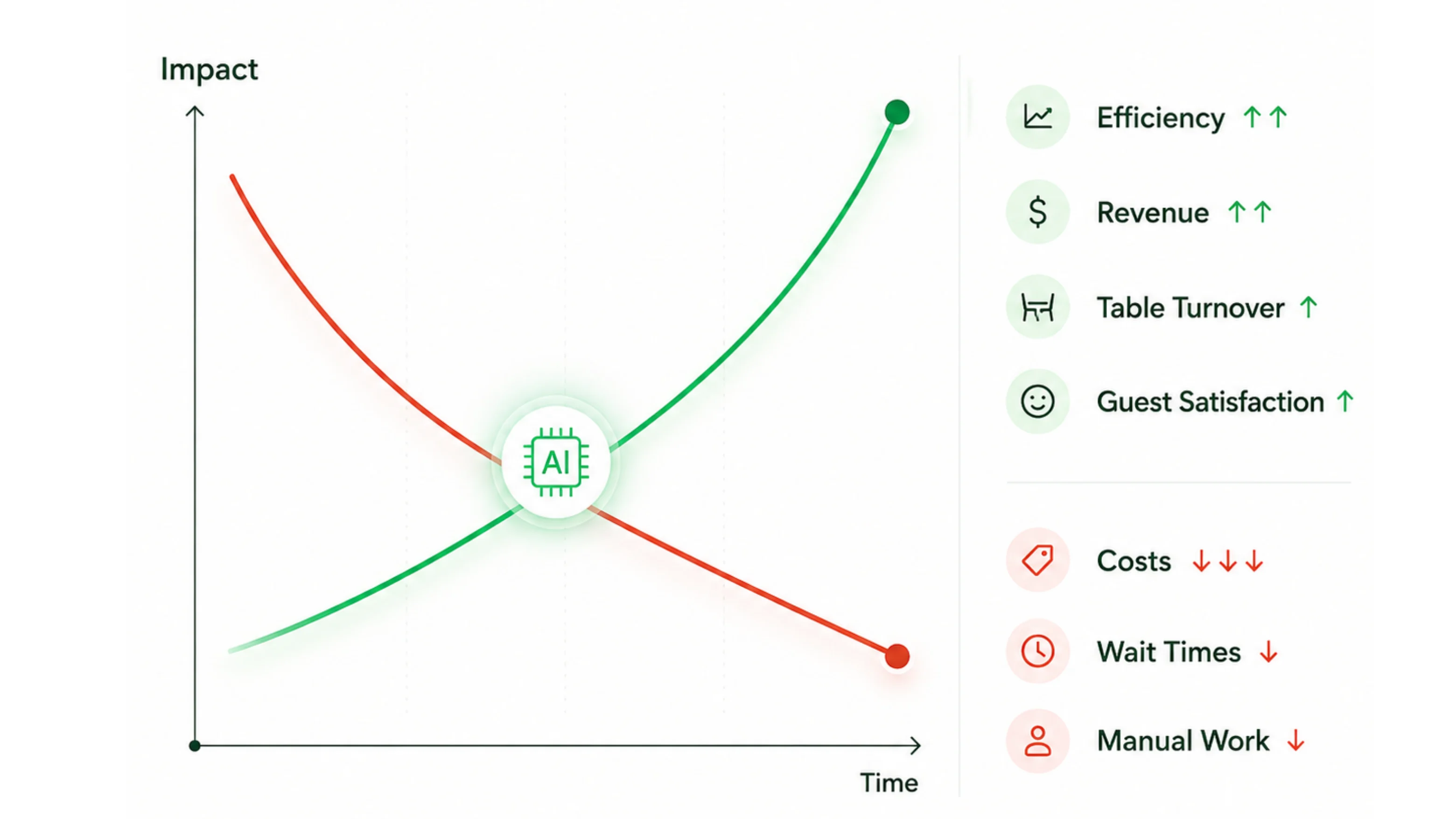
Illustration showing AI-supported restaurant efficiency, revenue, table turnover and guest satisfaction increasing while costs, wait times and manual work decrease over time.
Ask, compare, investigate

Ask what changed, compare the period and find the source view worth opening next.

Move from a headline metric into the restaurant context behind it instead of manually checking separate reports for every possible explanation.

Briefings, alerts & forecast support

Turn live operating data into a shorter path from signal to management decision.

Use AI-assisted daily briefings, anomaly flags, period comparisons and forecast support while keeping the source metric, comparison window and human decision visible.

5-step operating flow + AI review

Every restaurant action creates context. PayMyDine keeps it connected so the next role β€” and AI β€” can understand what happened.

The same context follows the journey from guest or staff action through preparation, service and payment into reporting. PayMyDine AI can then help summarise the period, compare results, surface unusual movement and identify which metric or source view management should inspect next.

PayMyDine restaurant workflow
01

Action starts

A guest scans a table QR, reception seats a booking, service staff opens an order or a manager changes a table.

02

Context is attached

Table, guest, order, timing, notes and permissions travel with the action instead of being entered again.

03

The responsible role receives it

Service staff sees service work, kitchen sees preparation work and managers see exceptions and live status.

04

Service and checkout complete

Preparation, ready status, handoff and payment continue from the same restaurant context, including three bill-split methods.

05

Activity becomes insight and AI assistance

Revenue, guests, average check, table turnover, sales timing, payment mix, forecasts and profitability become available for reporting, comparisons, anomaly review and AI-assisted questions.

Live status becomes AI context

Keep the table, ticket and payment state shared in real time, then use AI to help explain the exceptions behind it.

Guests, service staff, kitchen and payment workflows use different screens, but their activity contributes to the same operating picture. That gives management clearer source data for reporting, comparisons and AI-assisted investigation.

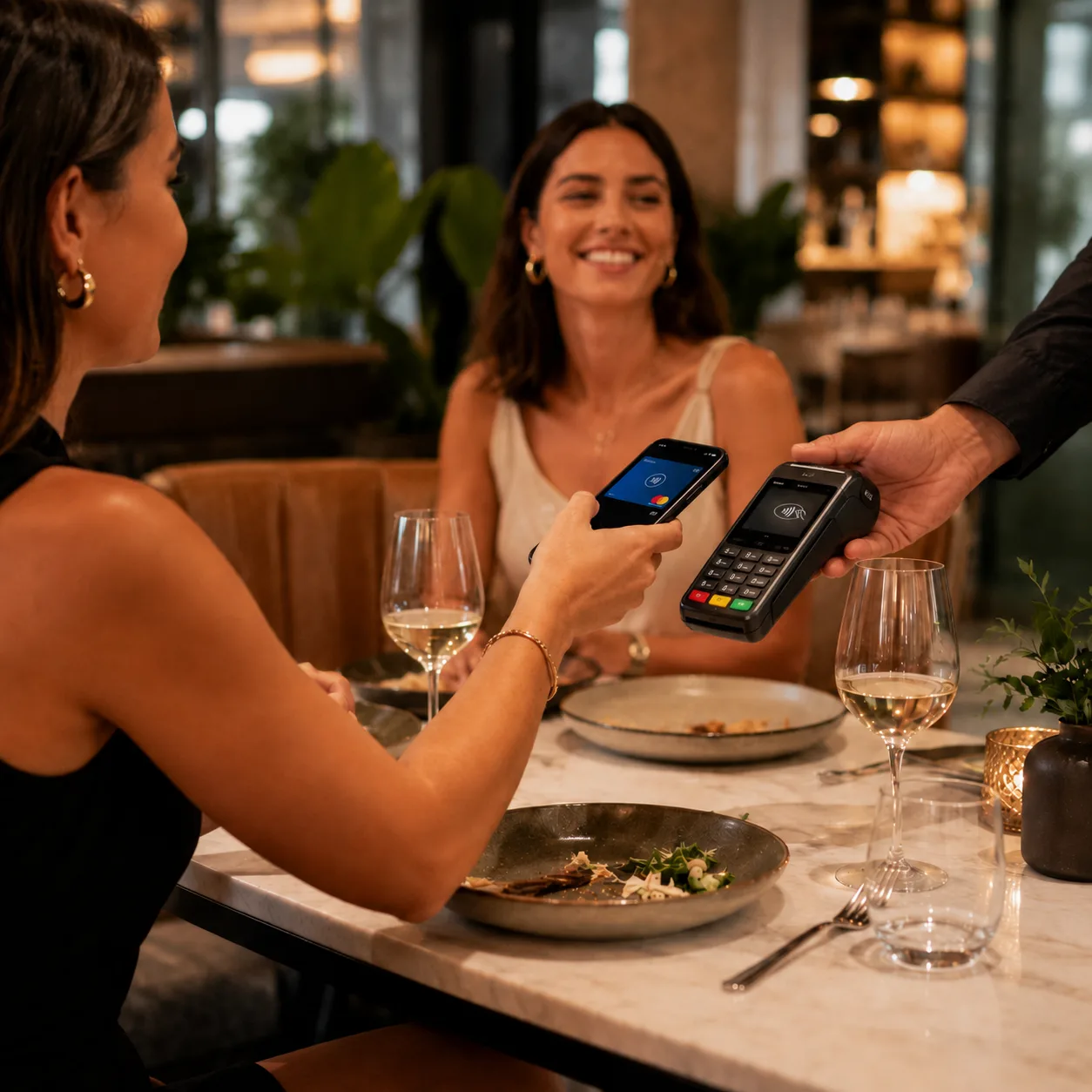
Guest payment

Keep table and payment status connected through checkout.

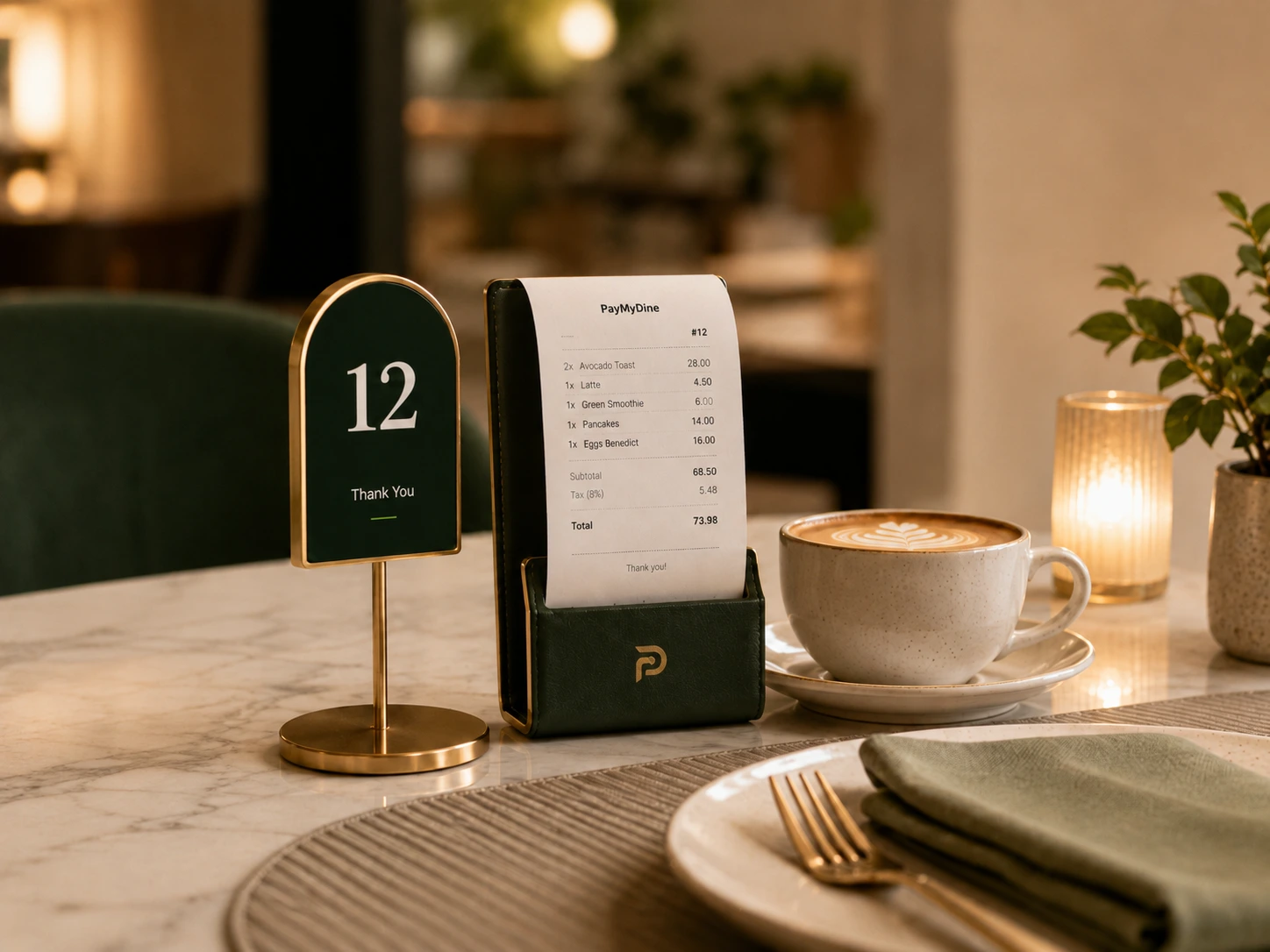
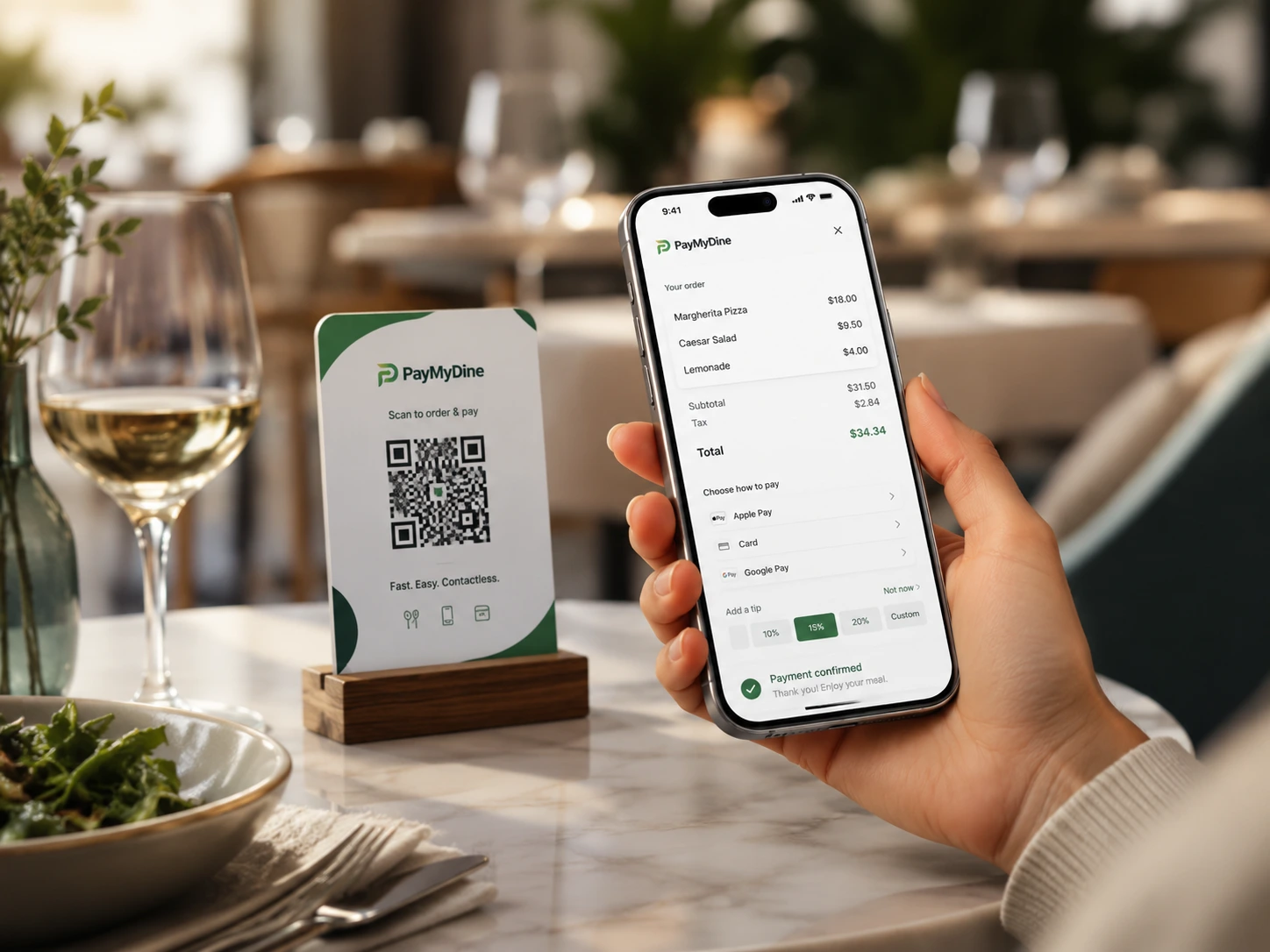
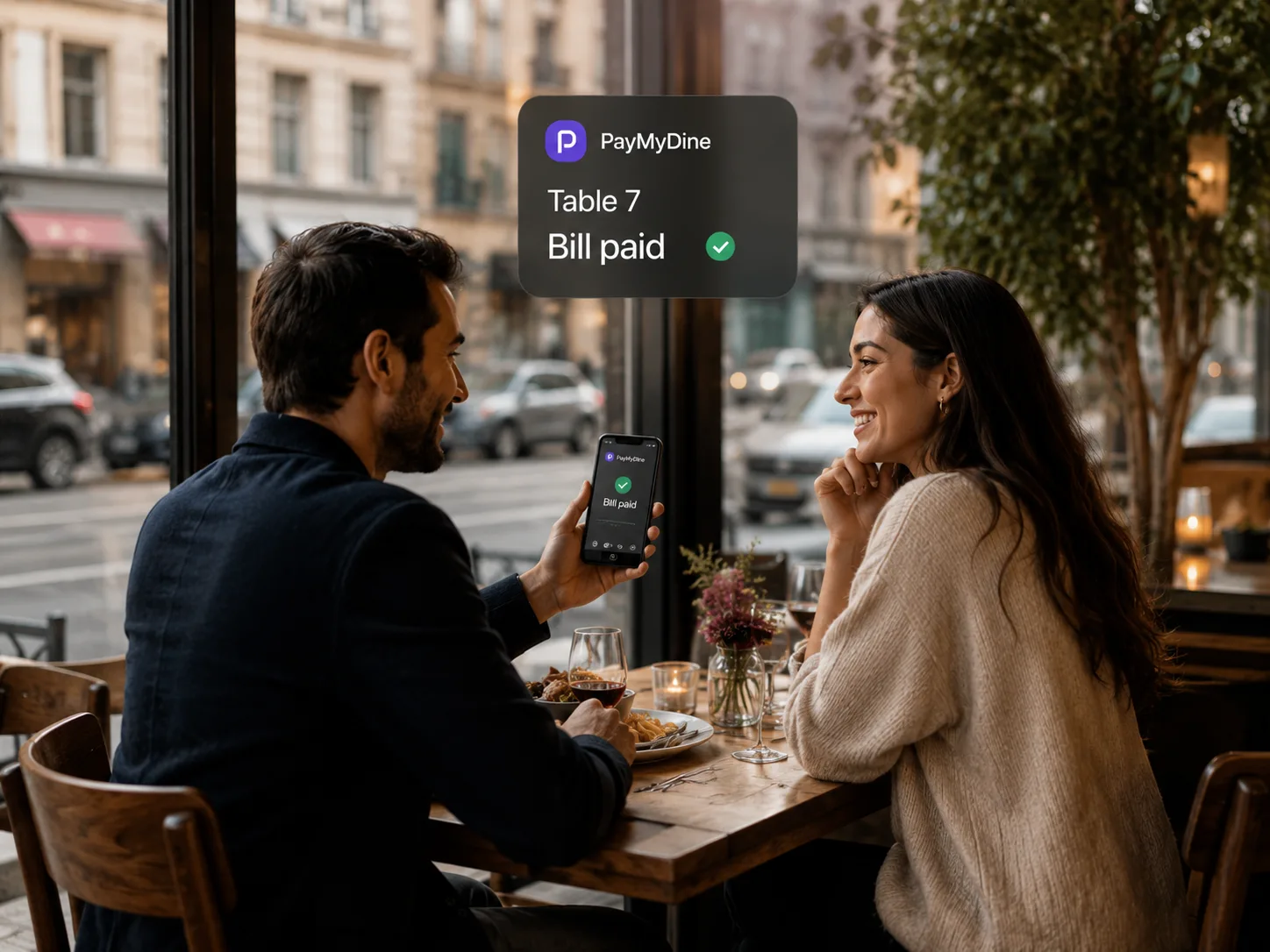
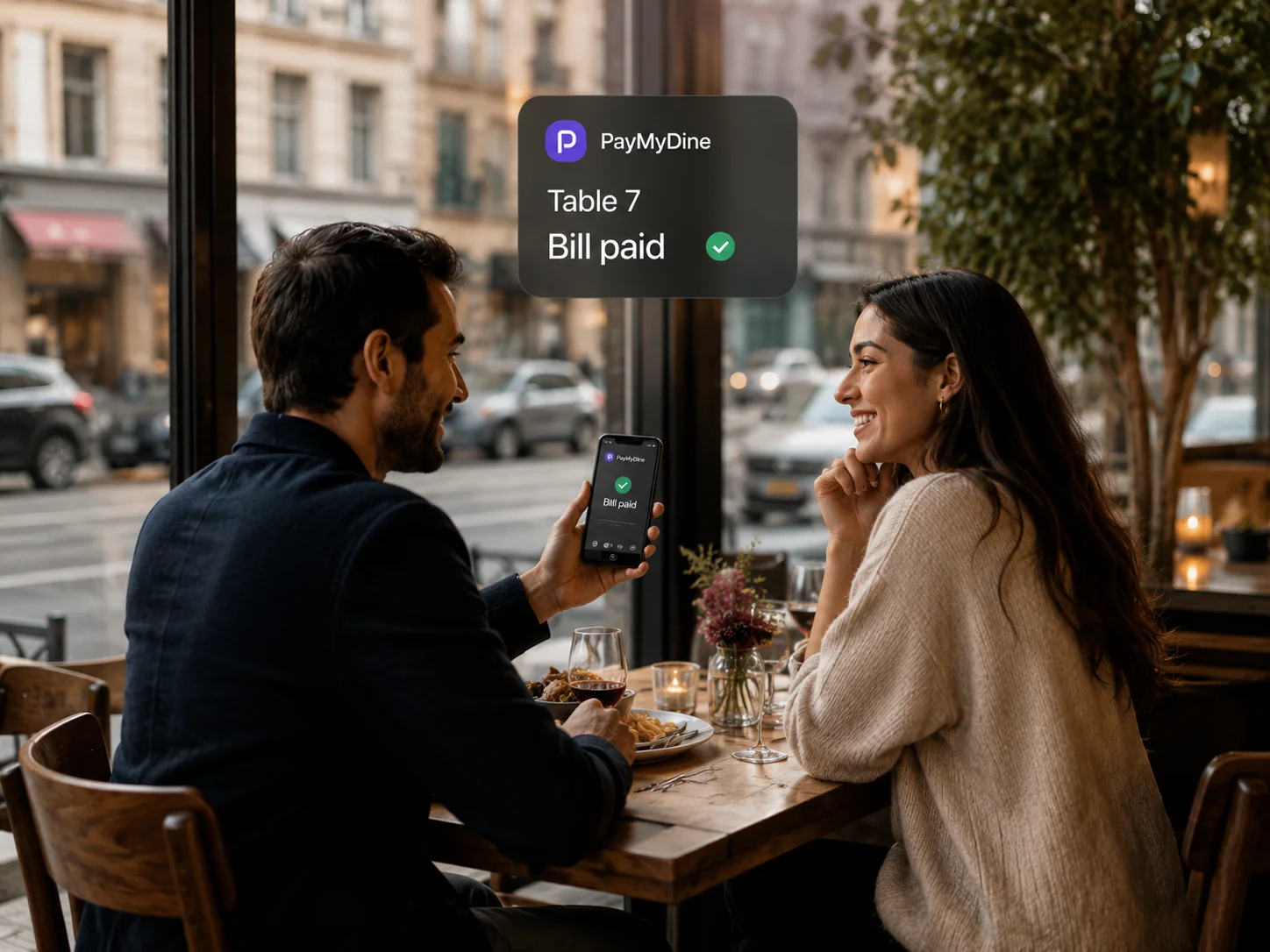
Guests see the amount, available method and confirmation while staff keep bill status attached to the table.

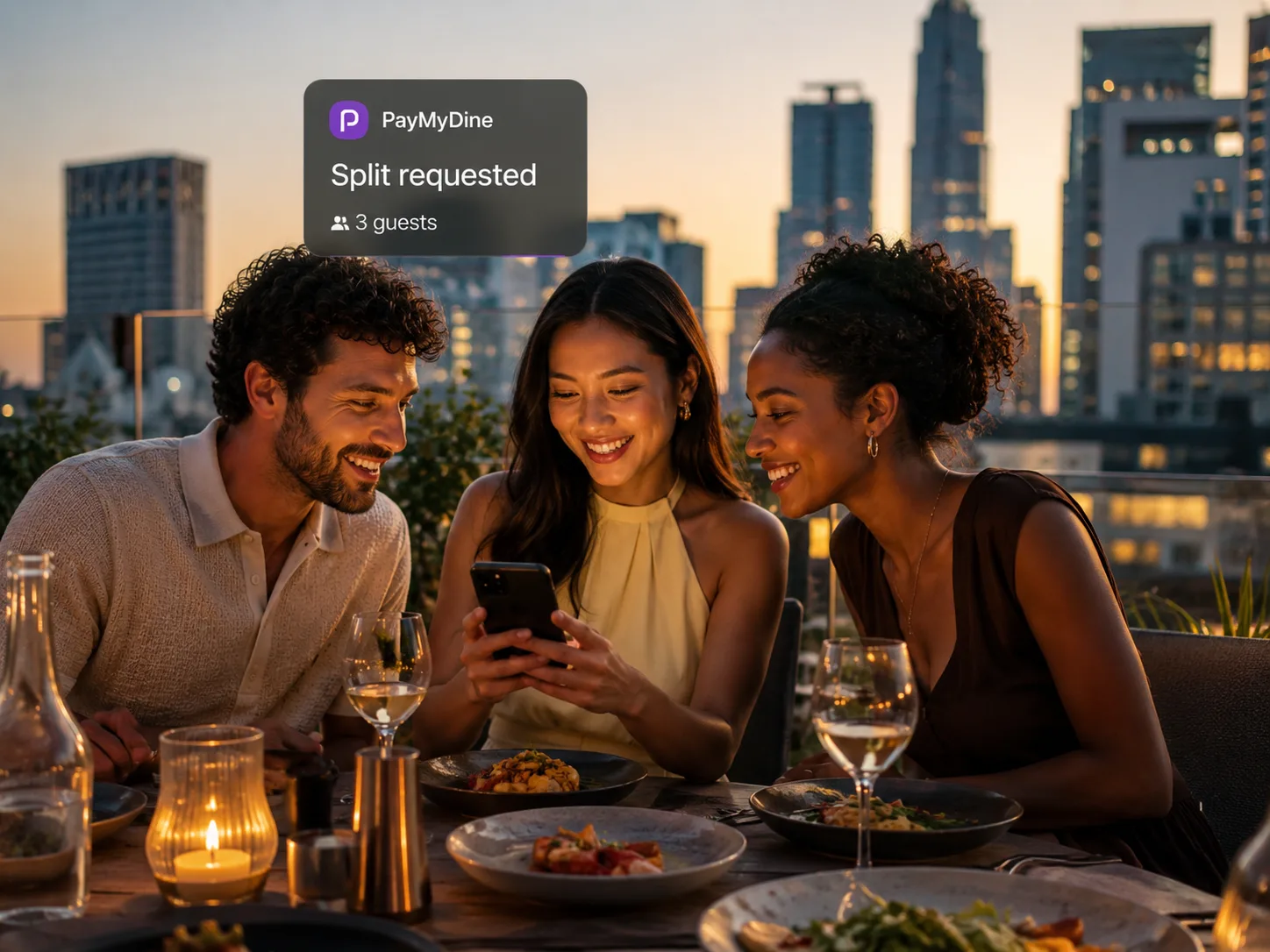
Split bills

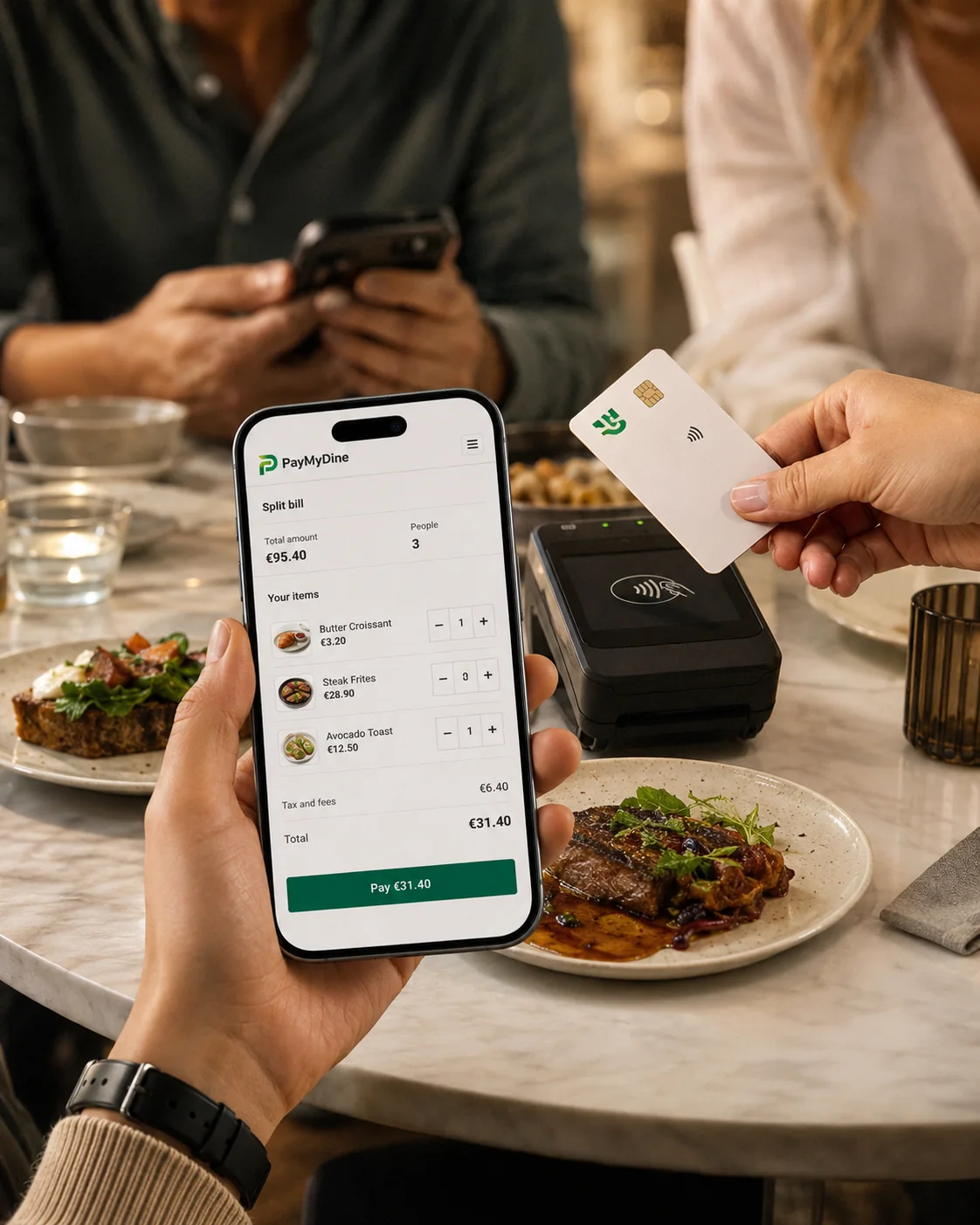
One bill supports three split methods.

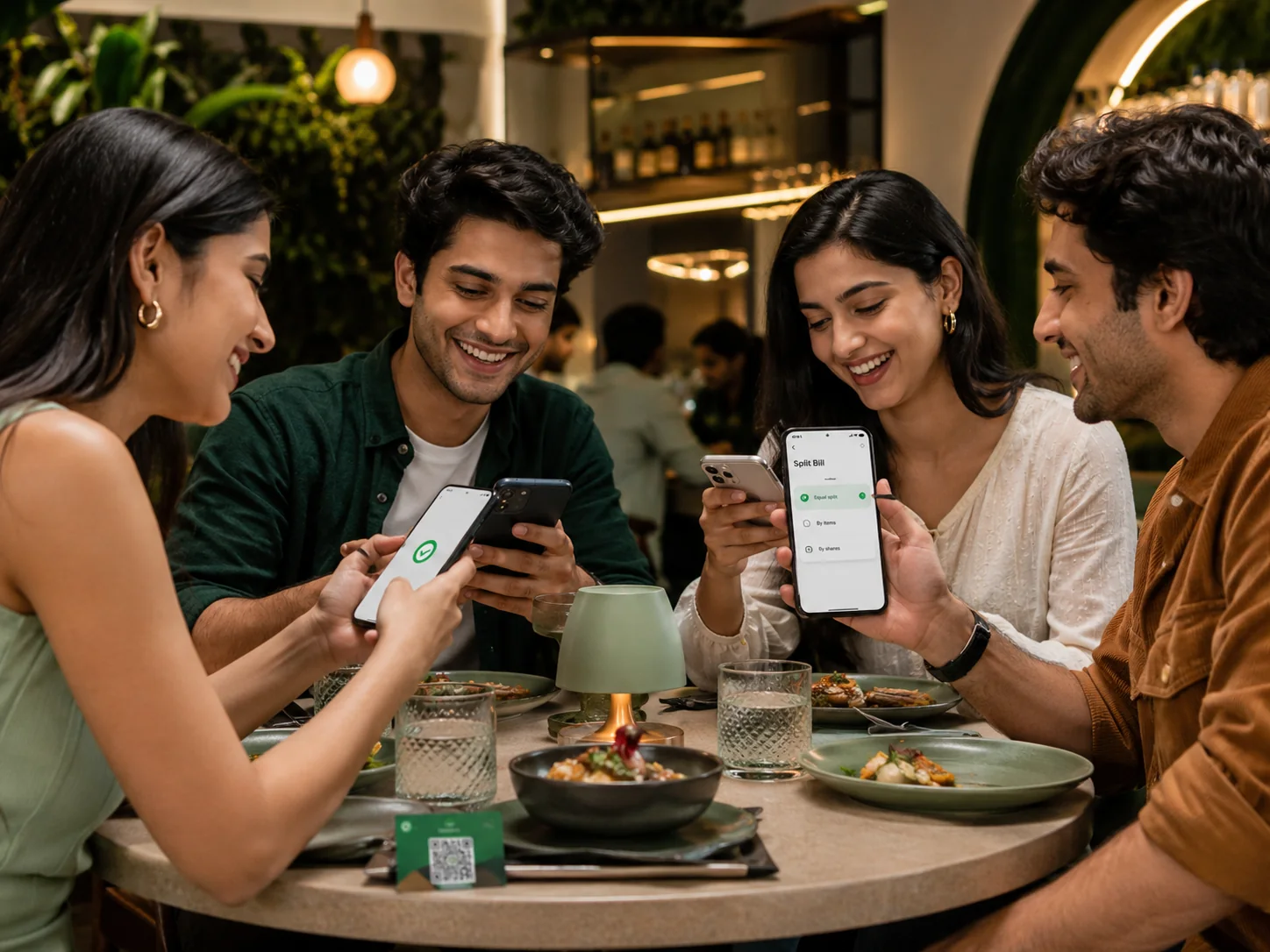
Let guests split equally, assign ordered items or divide the total by shares without starting a separate checkout.

Team status

Order status moves to the role responsible for the next handoff.

Service staff sees service status, kitchen sees preparation status and management sees exceptions from the same ticket context.

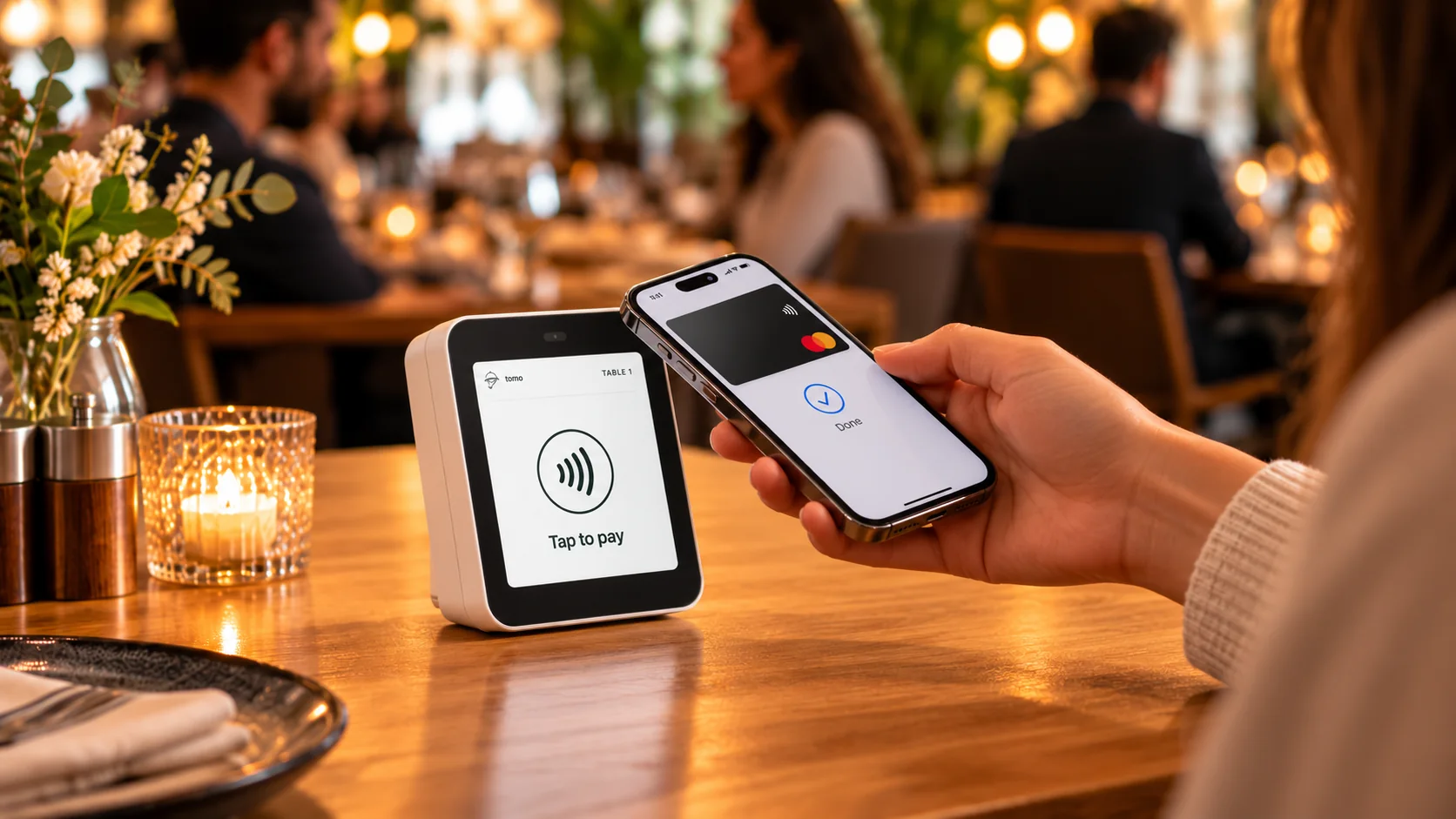
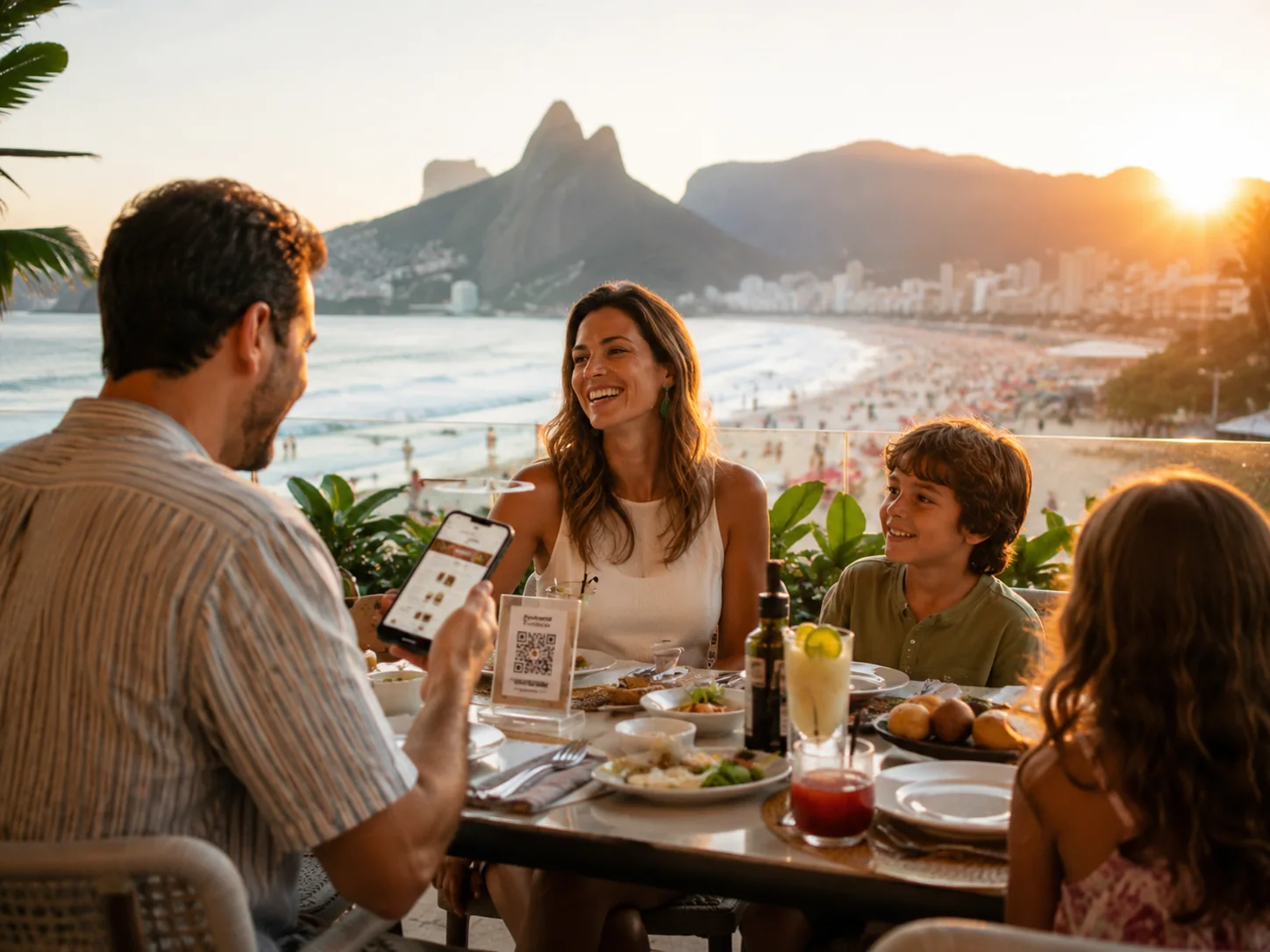
Table QR ordering & payment

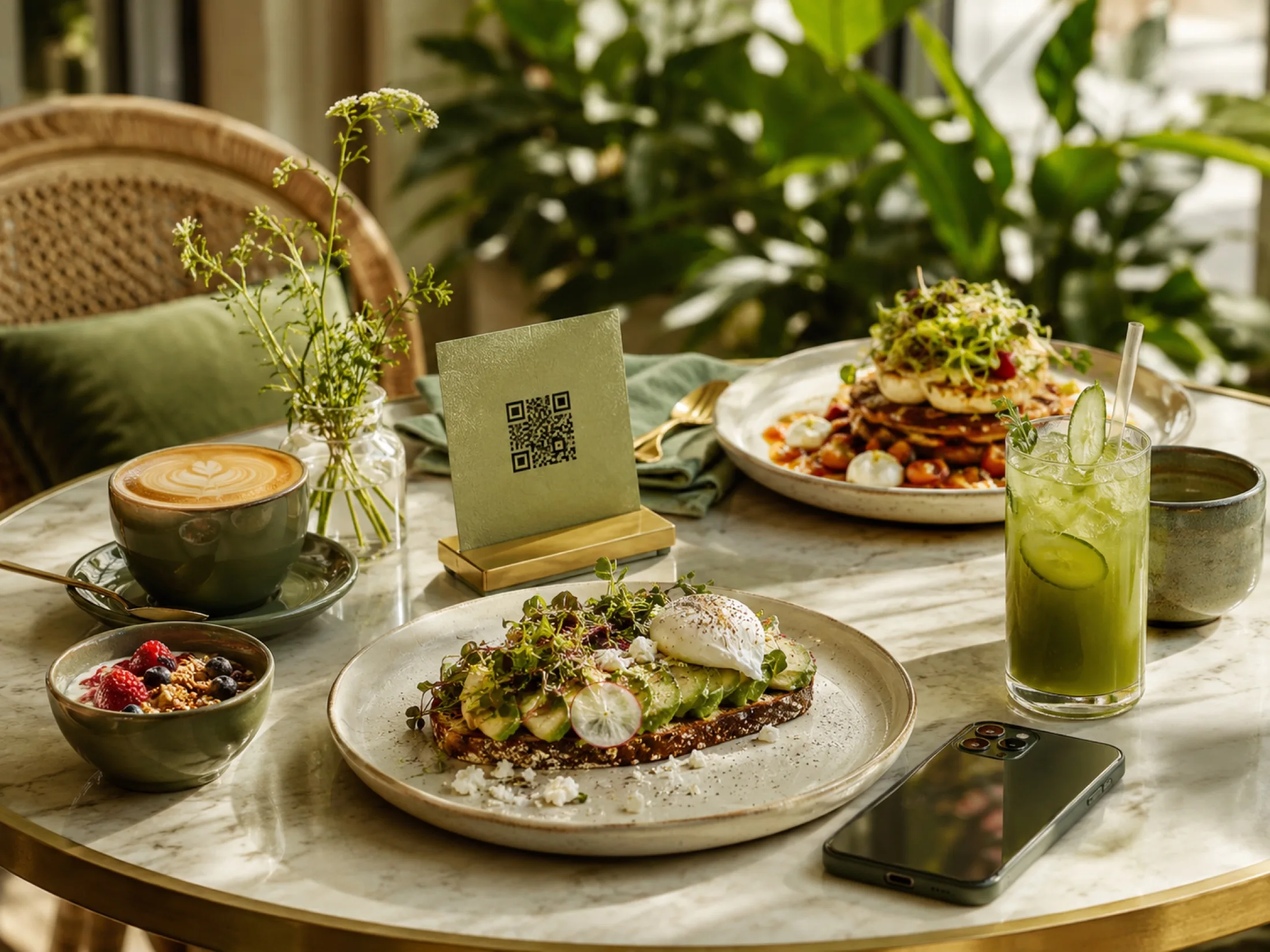
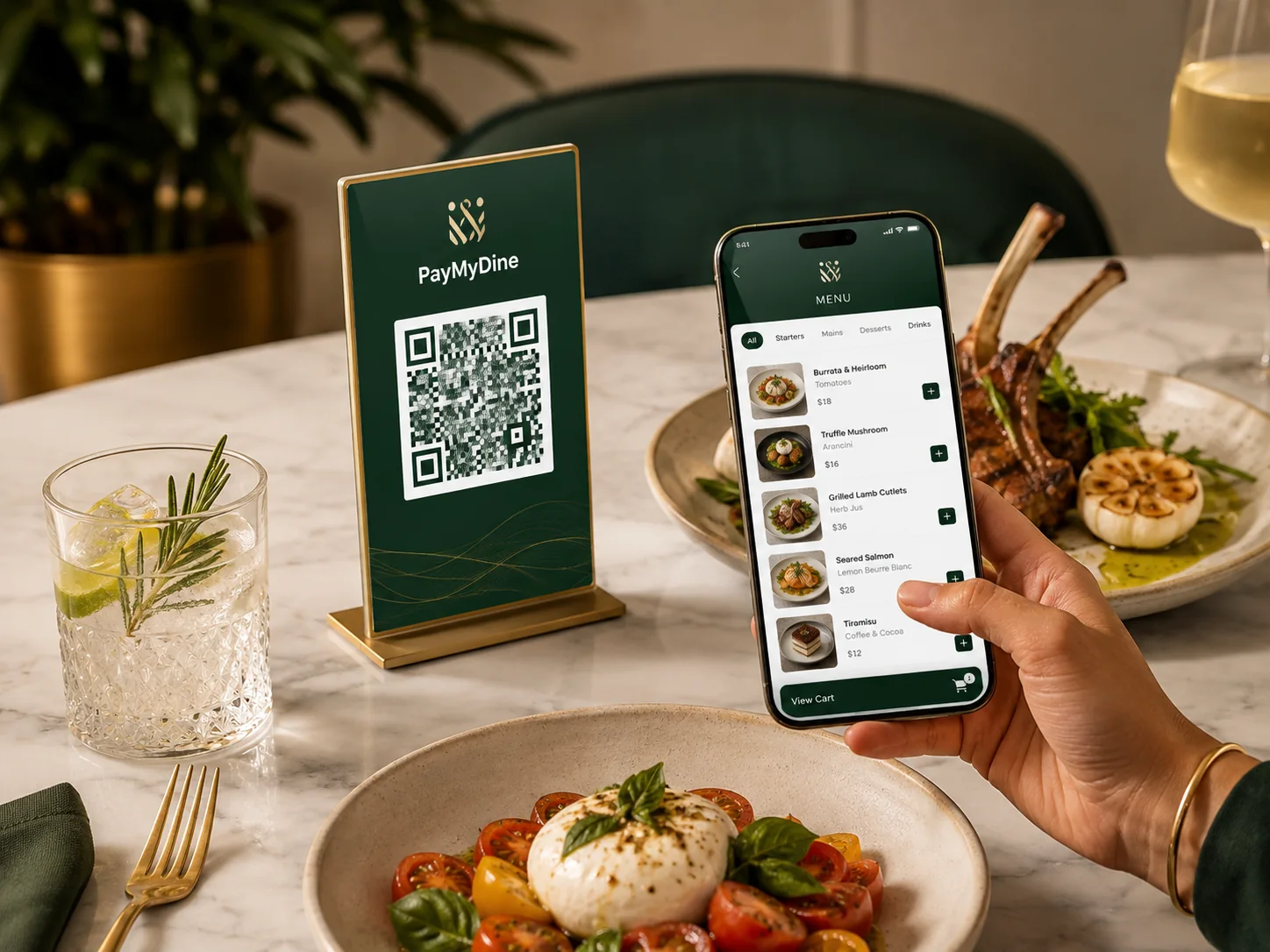
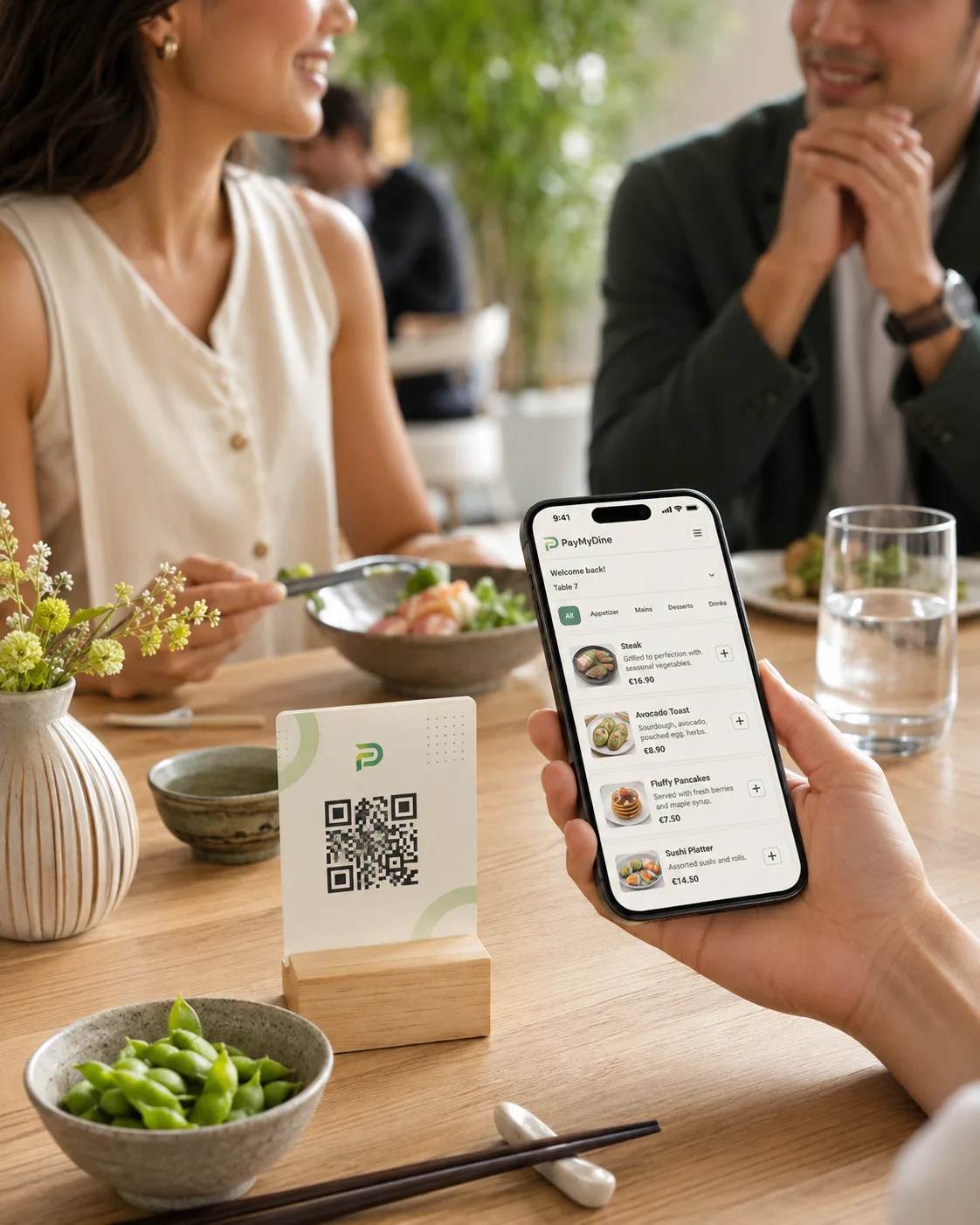
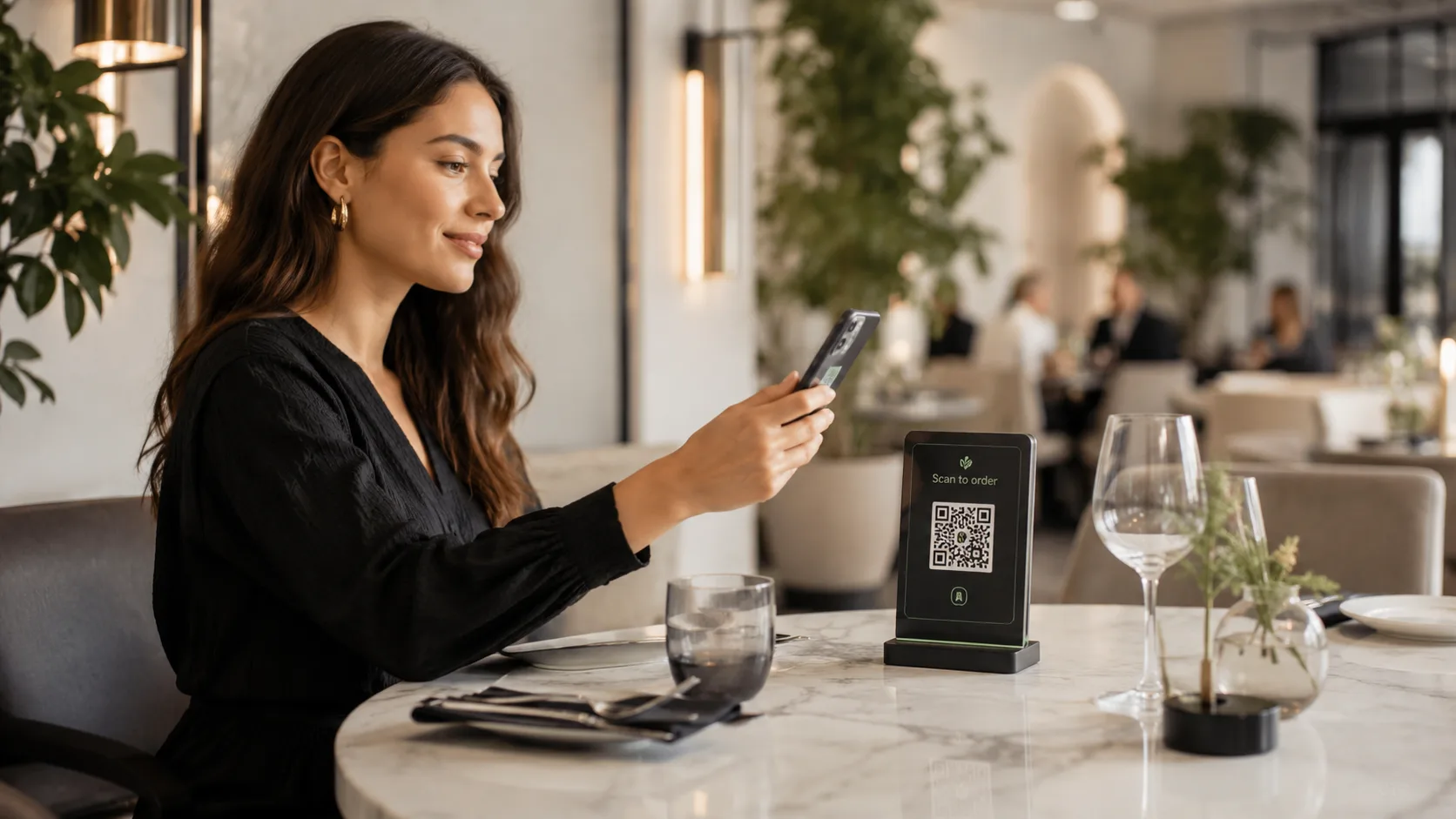
Scan the table QR code, browse, order and pay without losing the table context.

Guests scan the table QR code to open the mobile menu, place the order and complete payment while PayMyDine keeps the table, order, bill and payment status connected for staff.

Operations for people. Context for AI.

Teams get focused screens. Management gets the wider picture. AI helps connect the signals between them.

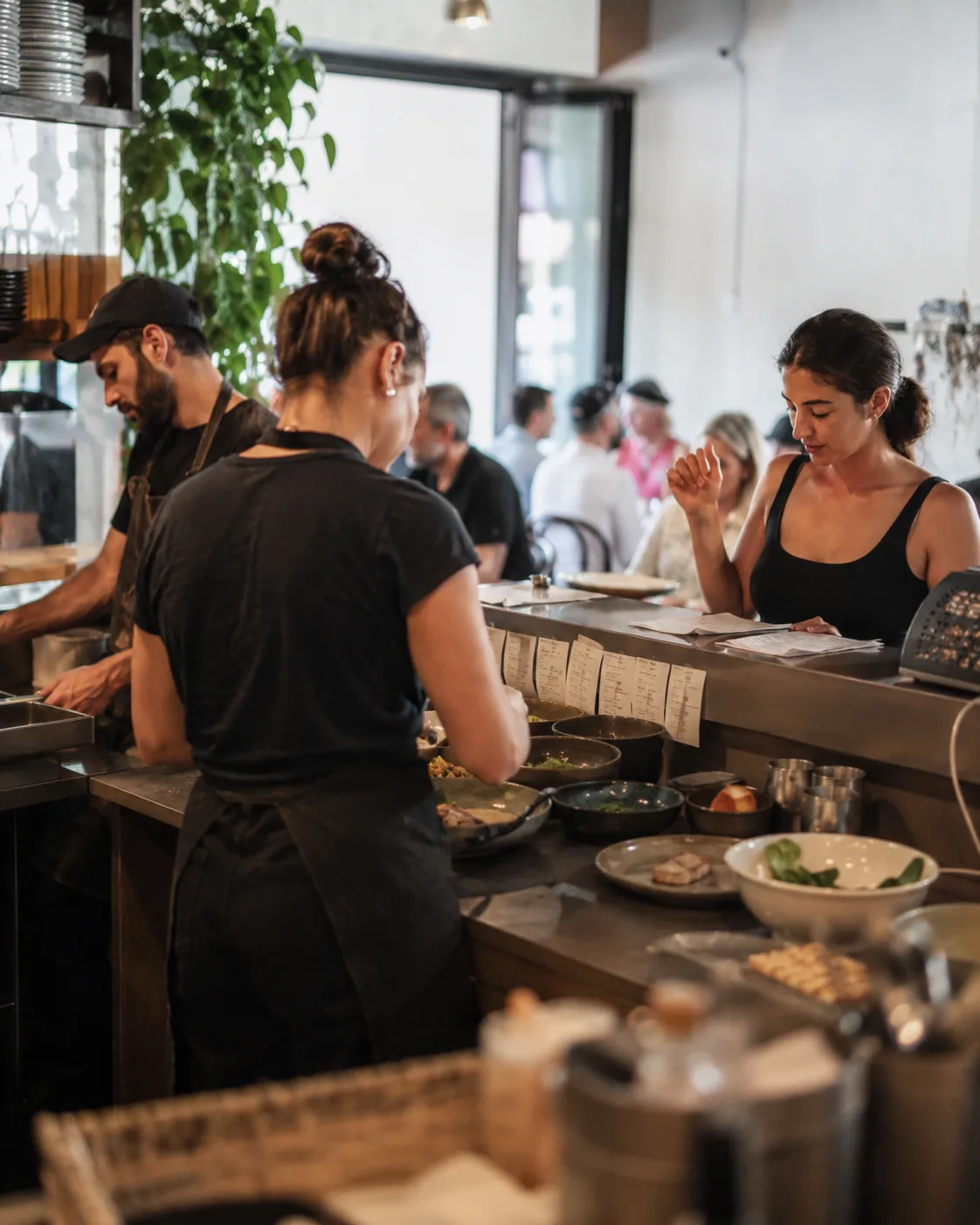
PayMyDine keeps daily interfaces practical for the people doing the work while collecting the shared restaurant context needed for reporting and AI-assisted review. The result is not another isolated chatbot β€” it is assistance built around the operation already happening in the restaurant.

PayMyDine owner and restaurant operations workflow
Owner, management & AI

See the business picture, then ask AI to explain movement across revenue, guests, tables, orders and profitability.

Move from a high-level metric to the source view behind it, compare periods, surface unusual changes and decide which floor, channel, category or item needs investigation.

PayMyDine guest experience
Guest journey

Four clear actions: scan, browse, order and pay.

The table QR journey keeps guest, table, order and payment context connected through checkout. Those interactions also become structured operating data for reporting and AI-assisted review.

Configure the operation, strengthen the AI context

Map roles, modules, floor maps and guest journeys once, then use the shared data for both daily work and AI-assisted review.

Start with the restaurant you already run. Choose which product areas remove duplicate work, define who can see each control and preserve the context that management needs for reporting, comparisons and AI-assisted questions.

6 role-based workspacesAI-assisted questions and briefingsGuest menu and QR flowsSupported POS connections
Compare restaurant setups
Restaurant table experience
Restaurant guest experience
Restaurant team workspace
Connected systems, better AI context

Connect the systems that already hold restaurant data so operations, reporting and AI can work from a wider picture.

Supported POS, accounting, delivery and payment connections can contribute useful source data to central reporting, location comparison, inventory and profitability workflows. The more complete the permitted source picture is, the more useful AI-assisted comparisons and investigations can be.

Integration and AI scope depend on the APIs, permissions and data fields available from each external system.
Review integration scope
PayMyDine
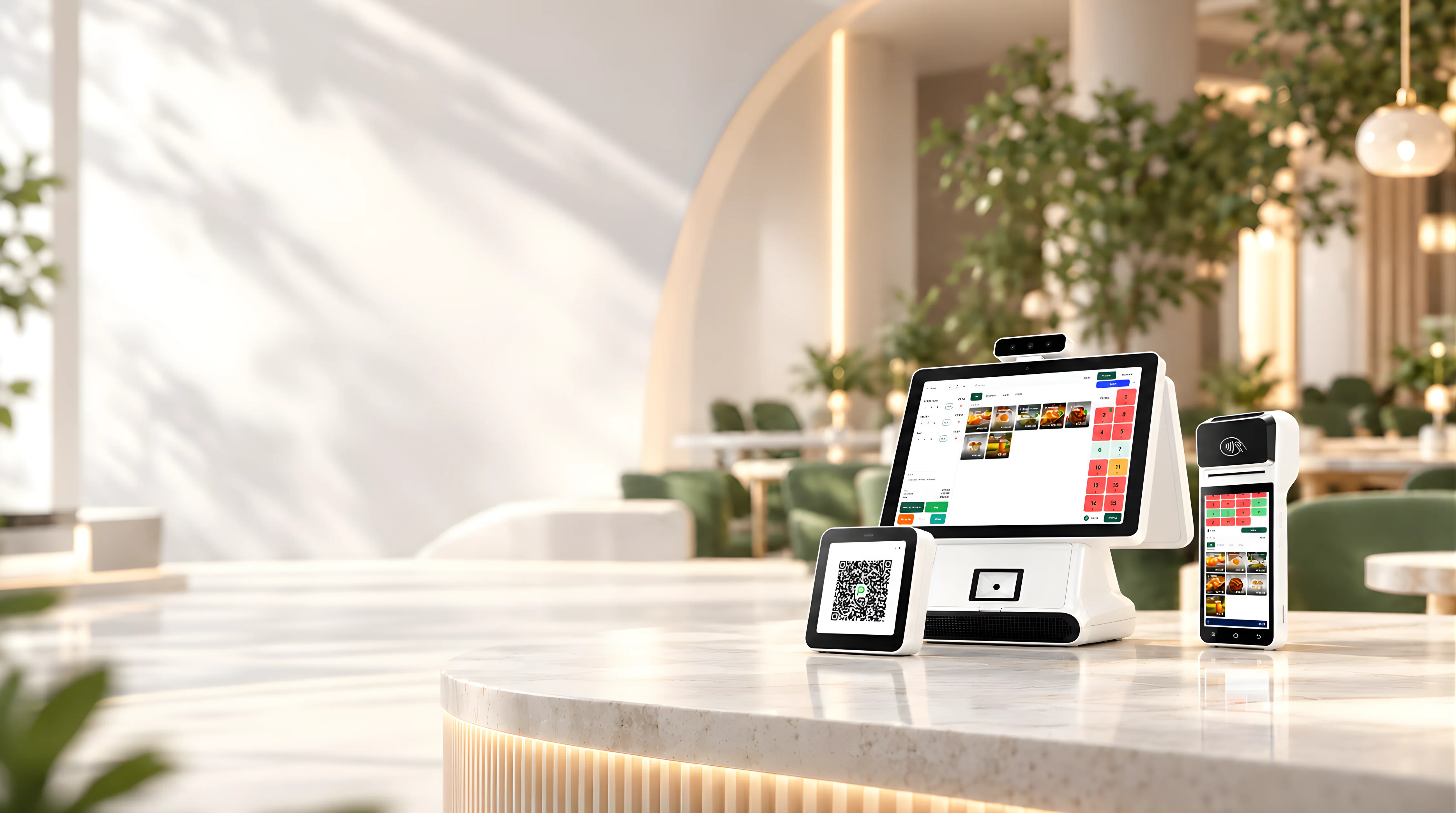
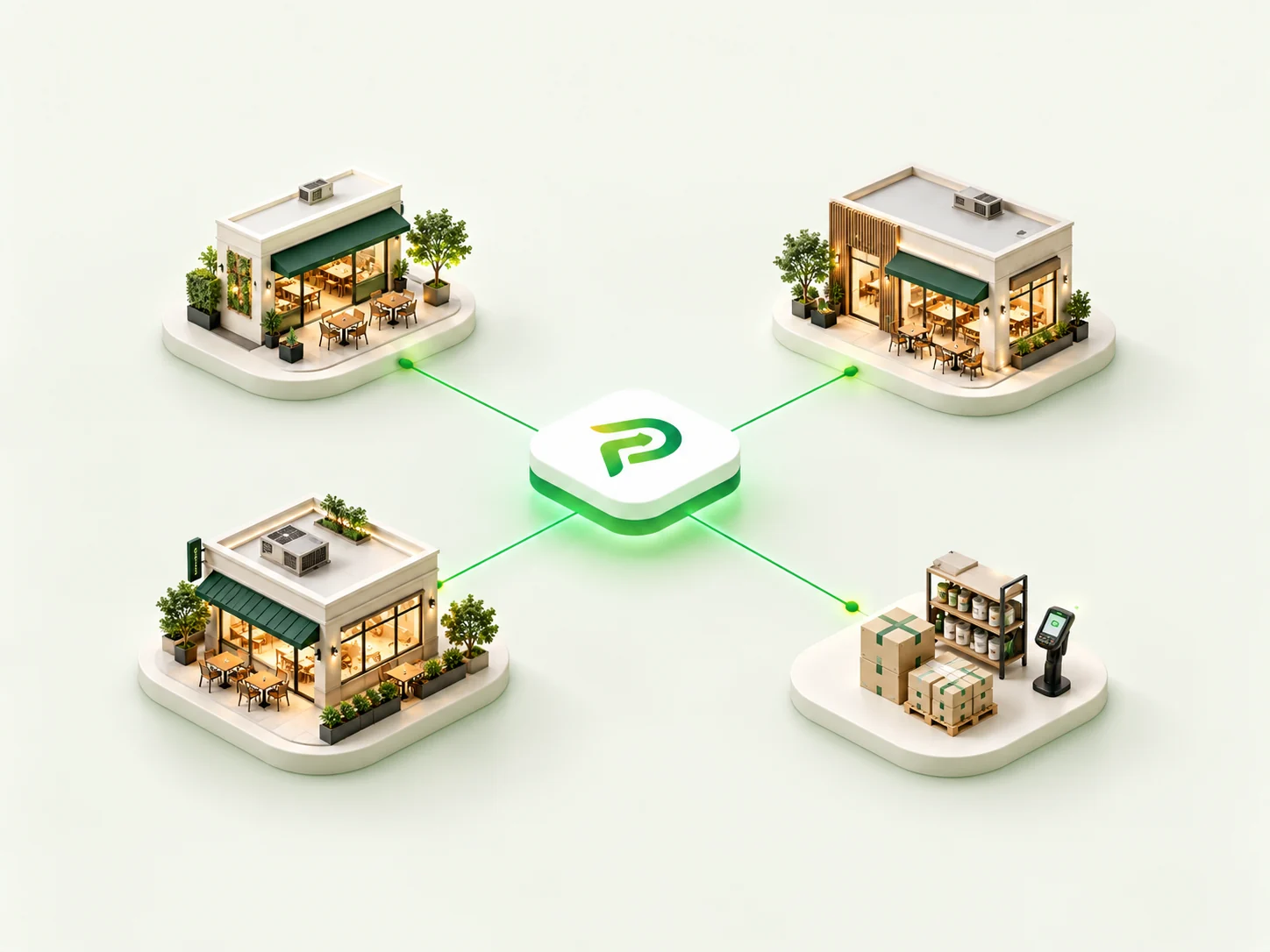
POS dataAccounting contextDelivery channelsPayment providersCentral reportingInventory
POS integration concept
Map the real operation

See how PayMyDine AI fits your restaurant across all 9 connected product areas.

Bring your roles, floor structure, guest journey, current systems and the questions management asks every day. We will map the smallest practical setup and show which signals AI can summarise, compare, flag or use to support forecasts from the data you actually have.